
IPSE GO Version 1.8 focuses on overall usability improvements in terms of visual clarity and better flowsheet connection routing.
See what’s new in Version 1.8 of IPSE GO – Integrated Process Simulation Environment in the cloud. This release focuses on overall usability improvements in terms of visual clarity and better flowsheet connection routing. Structural and Solver Issues now help identify misconfiguration quicker before anf after a calculation and as always minor bug fixes were fixed along the way.
Outline
- Window styles were improved
- Improvements to connection routing
- Added separation between Structural & Solver Issues
- A brand new FGC Library Analyzer
- Bug fixes
Visual Editor Improvements
In Version v1.8 many aspects of the editor were visually refined to better match the look and feel of other existing user interface components. As an example these changes include the search functionality as used by the Icon Bar or the Object Manager windows. Additionally, the consistency between window title bar heights and tab handles was improved and the project title is no longer shown on the flowsheet but in the handle view of a separate project tab instead.
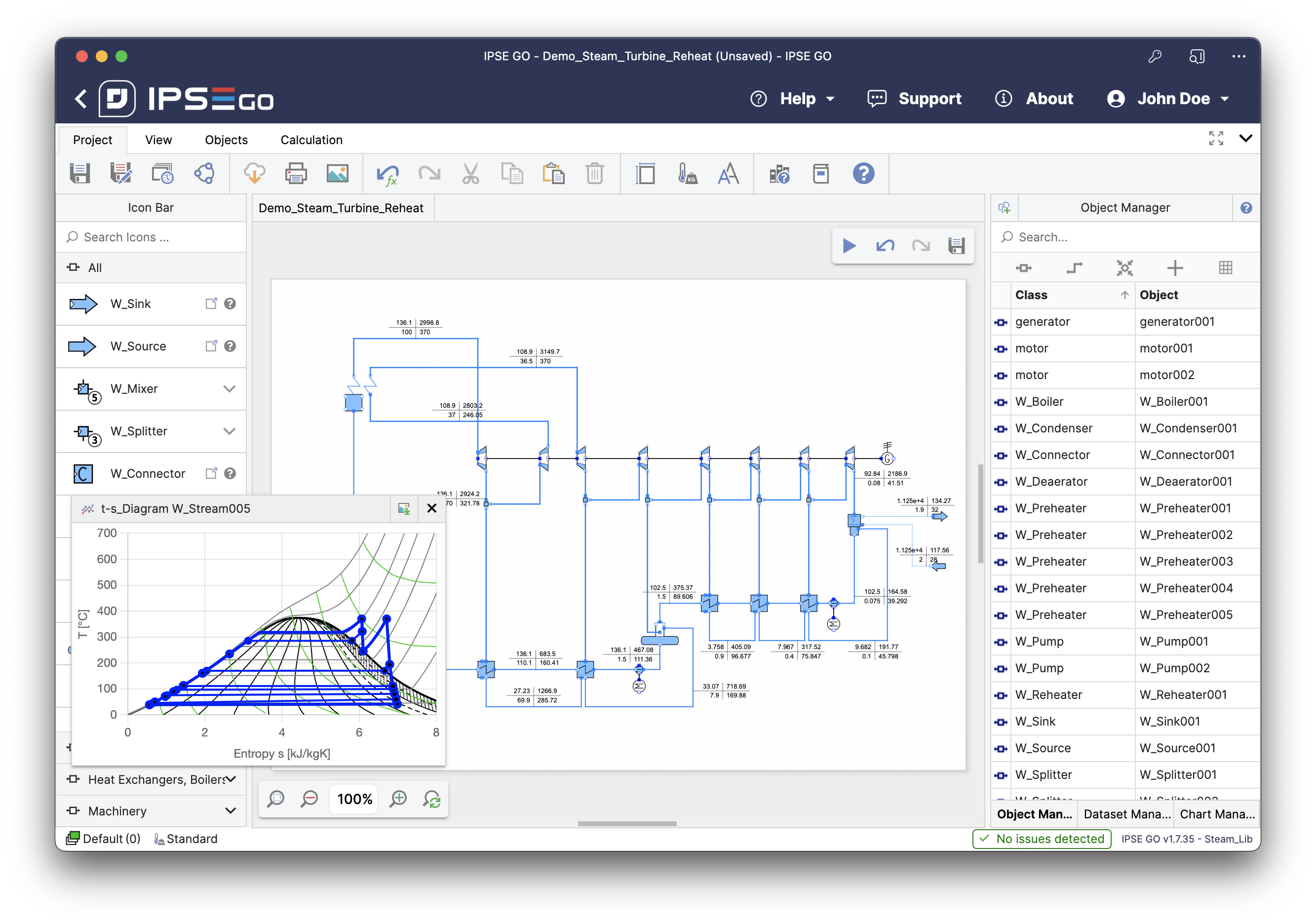
On top of the visual changes made to the editor, we also improved how connections are drawn when directly connecting two compatible unit terminals via mouse click. This new approach of drawing the connection now correctly identifies the orientation of each terminal and should lead to improved visual results for connections created without manual placement of control points.
Structural & Solver Issues
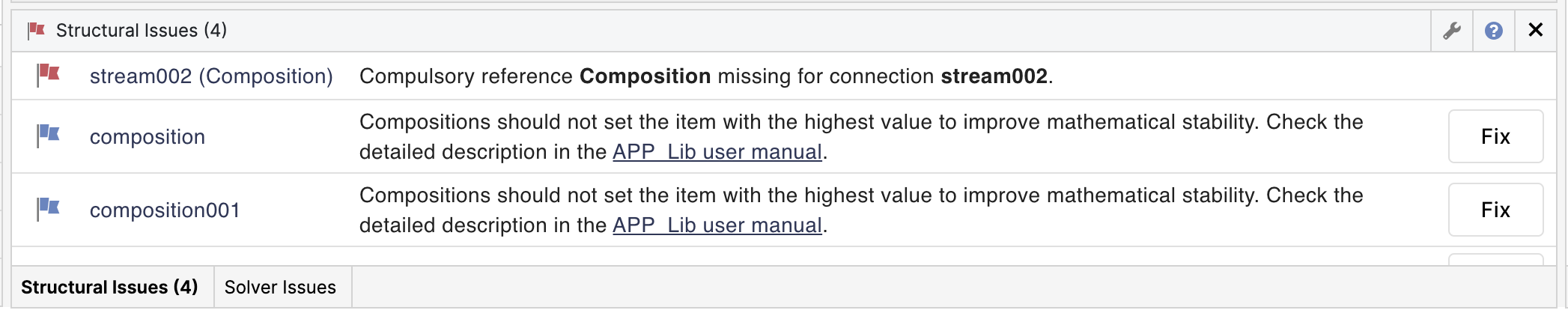
With the release of Issues earlier this year we made it easier for users to understand wrong configurations and suggest alternative solutions based on the project parameters and flowsheet structure.
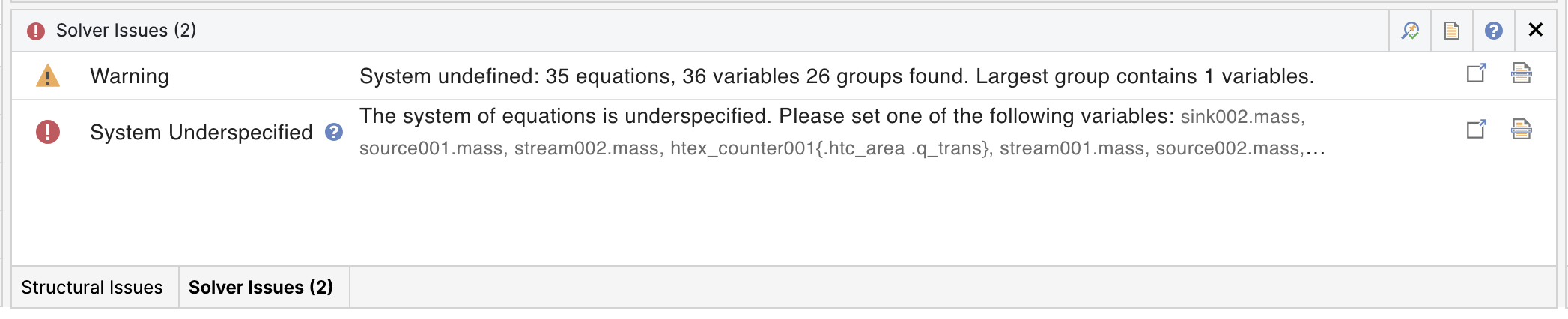
However, this created a two-step process where users received issues before a calculation and Warnings & Errors after a calculation. With the release of v1.8, we move these two steps closer together by giving the two feedback cases a similar look & feel. To do so we now refer to previous issues as “Structural Issues”, responsible for finding potential problems before calculating.
Calculation warnings and errors are now found in the “Solver Issues” window grouped into in a list that is sorted chronologically as they occur during the calculation. Experienced users of the IPSE software will see that this now closely resembles how the issues are written in the calculation protocol. A detail window for most error types still exists that, when opened, shows additional information on the issue.
Bug fixes
- Fixed a bug that caused the “Use-Damping” solver setting not to get saved correctly
- Fixed a bug that caused the removal of valid objects on migration to a new version of a model library
- Fixed a bug that allowed to start calculations while editing the connection on the flowsheet
- Fixed a bug that caused reference names in info boxes not to be updated after an object rename